


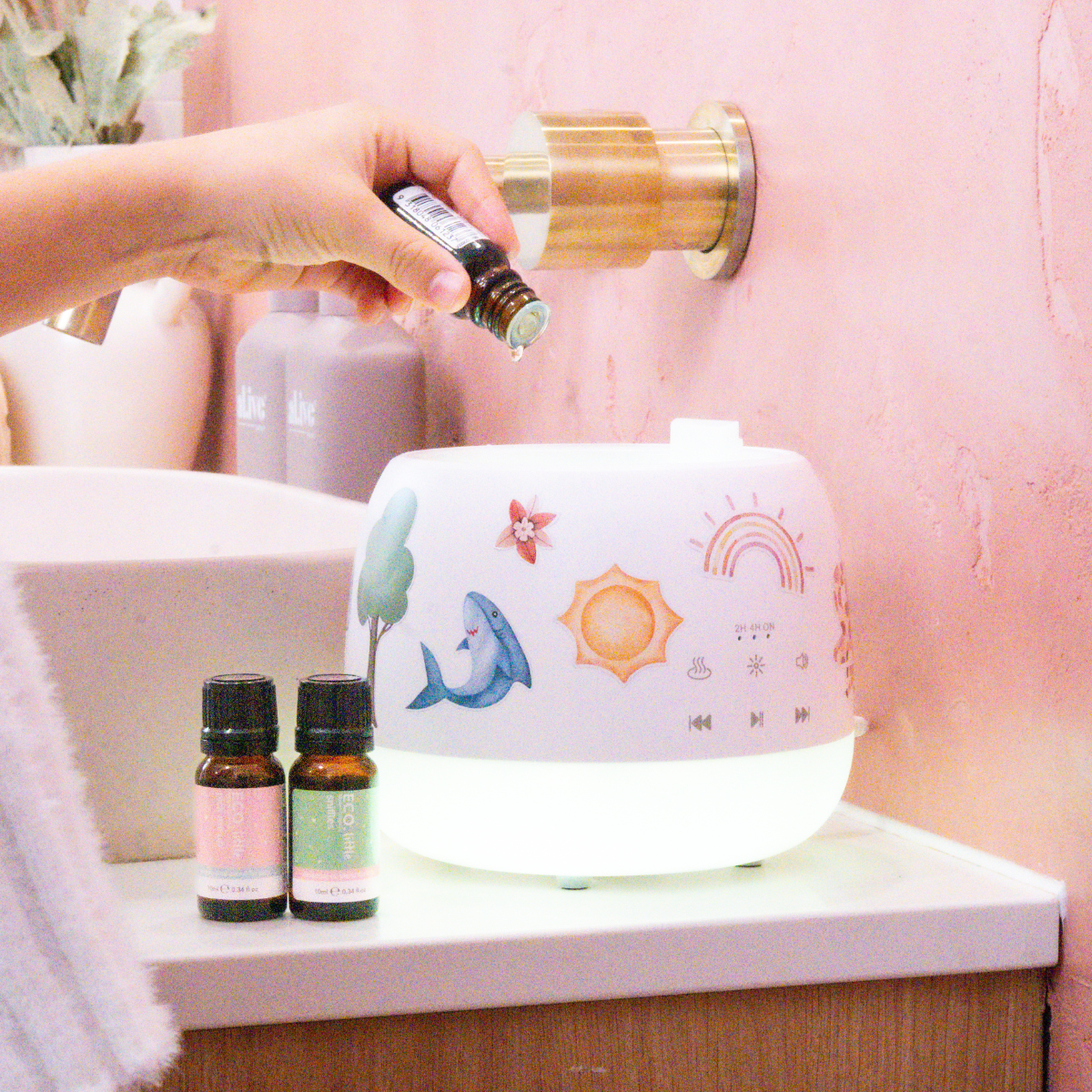
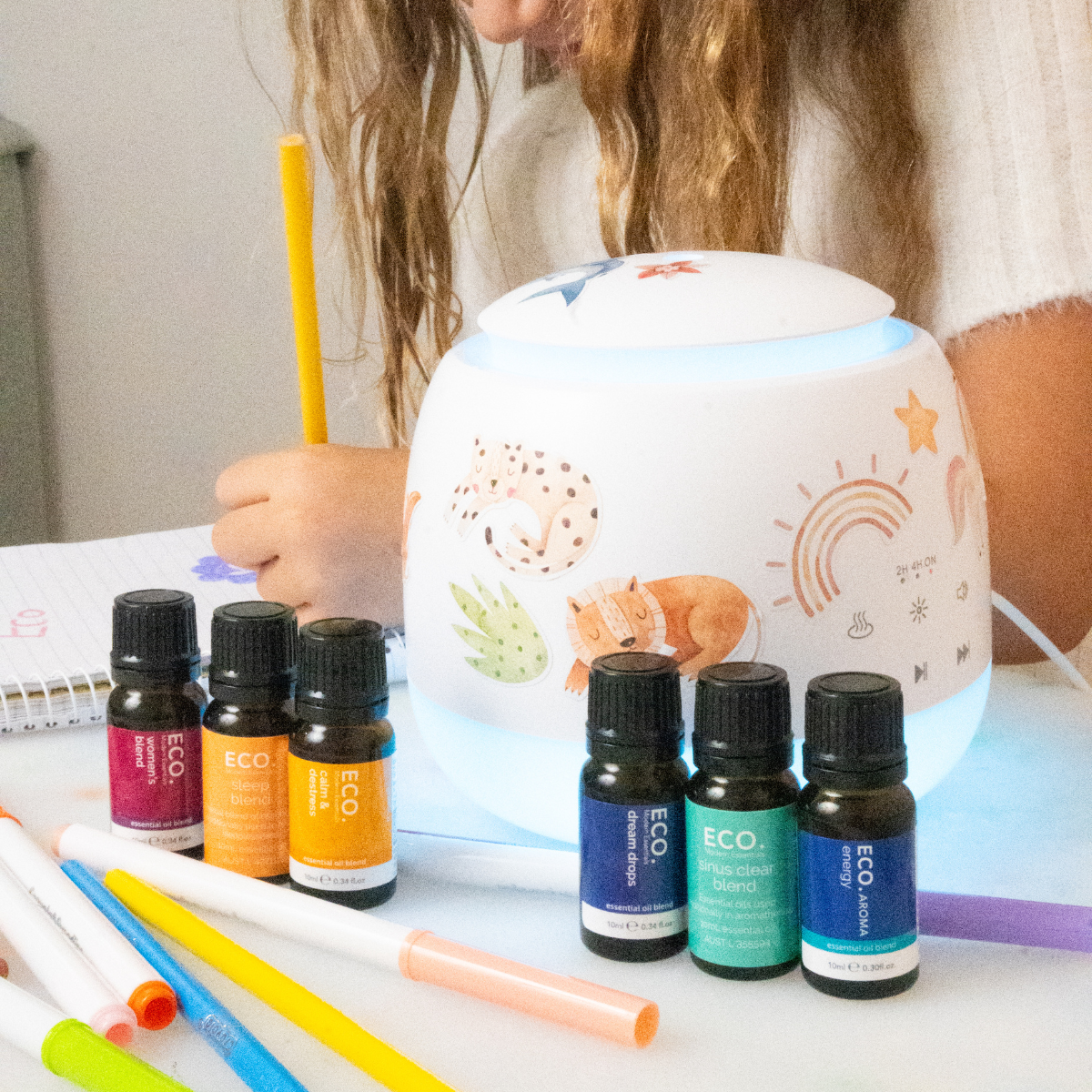


love the design - kids loved the ability to put stickers everywhere
"great quality humidifier. would recommend / love the blue tooth setting which lets the kids play tunes too."
In stock

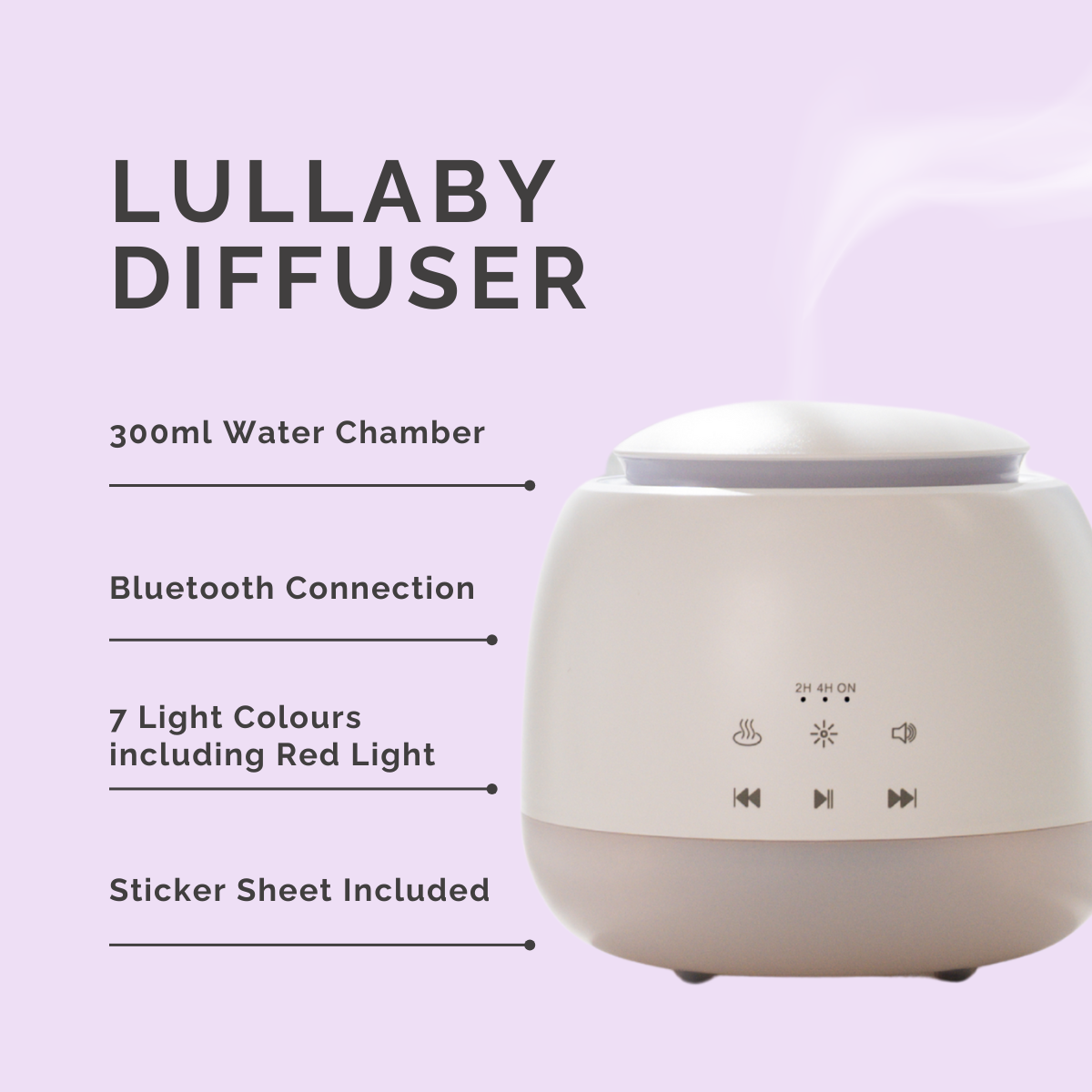
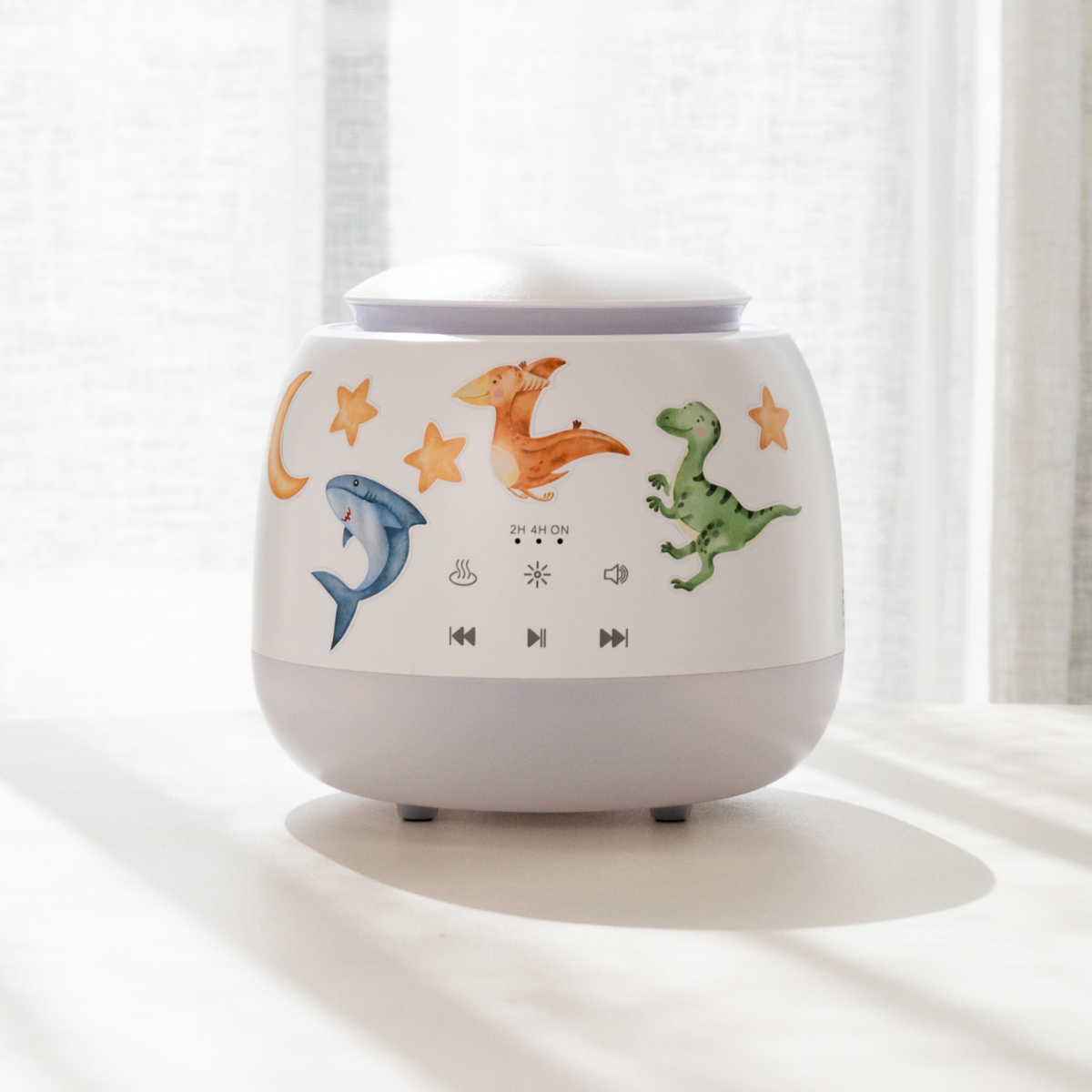
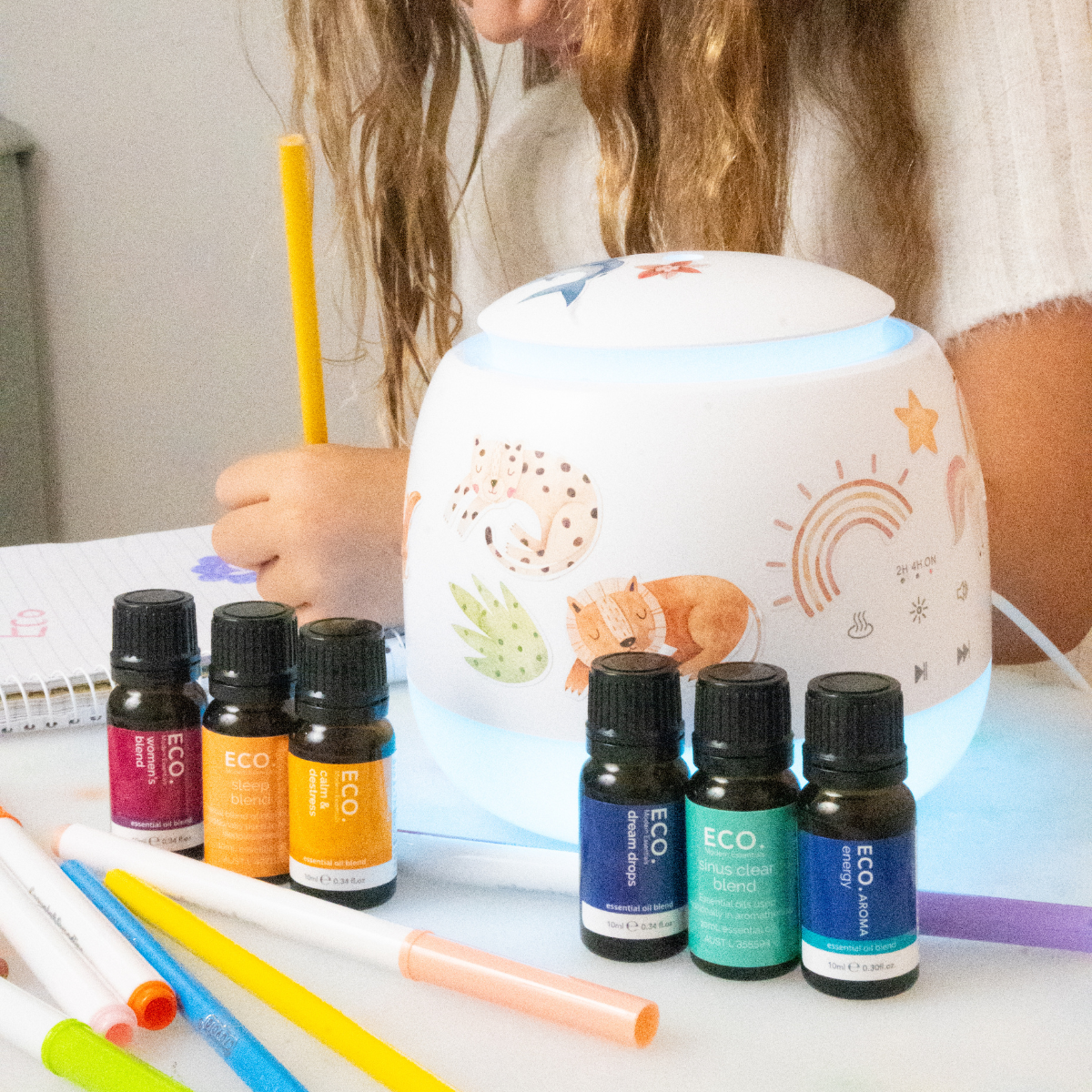
The Lullaby Diffuser is a calming bedtime companion for children, featuring Bluetooth lullabies, soft colour-changing lights, soothing mist, and cute stickers! Pair it with our ECO. Little range to create a relaxing and nurturing nighttime ritual.


Dimensions: 150mm x 140mm
Colour: White
Weight: 410g
Material: PP, ABS
Water Capacity: 300ml
Frequency: 2.4MHz
Bluetooth: Compliant with Bluetooth 5.0
Light Settings: 7 different coloured light settings
Power Input: AC100-240V 50/60Hz DC24V/500mA
Cord: Adaptor included with diffuser
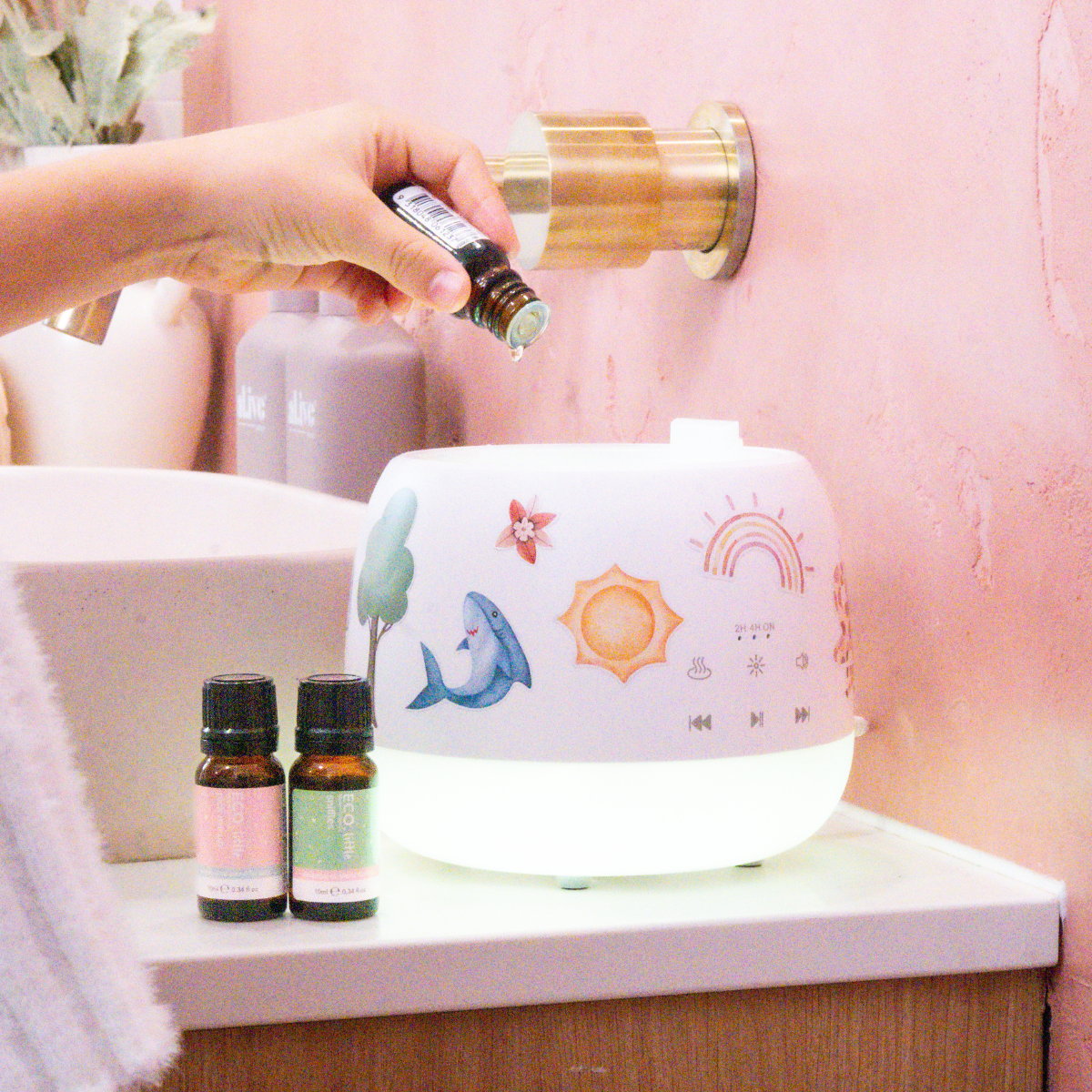
Diffuser Operation: Connect the supplied power adapter to the DC socket. Remove the top cover and add room temperature water to the water tank. Do not exceed maximum water line. Add the required amount of essential oils (refer to the bottle label for mist diffusion instructions). Replace the top cover and connect the power to the power supply and switch on.
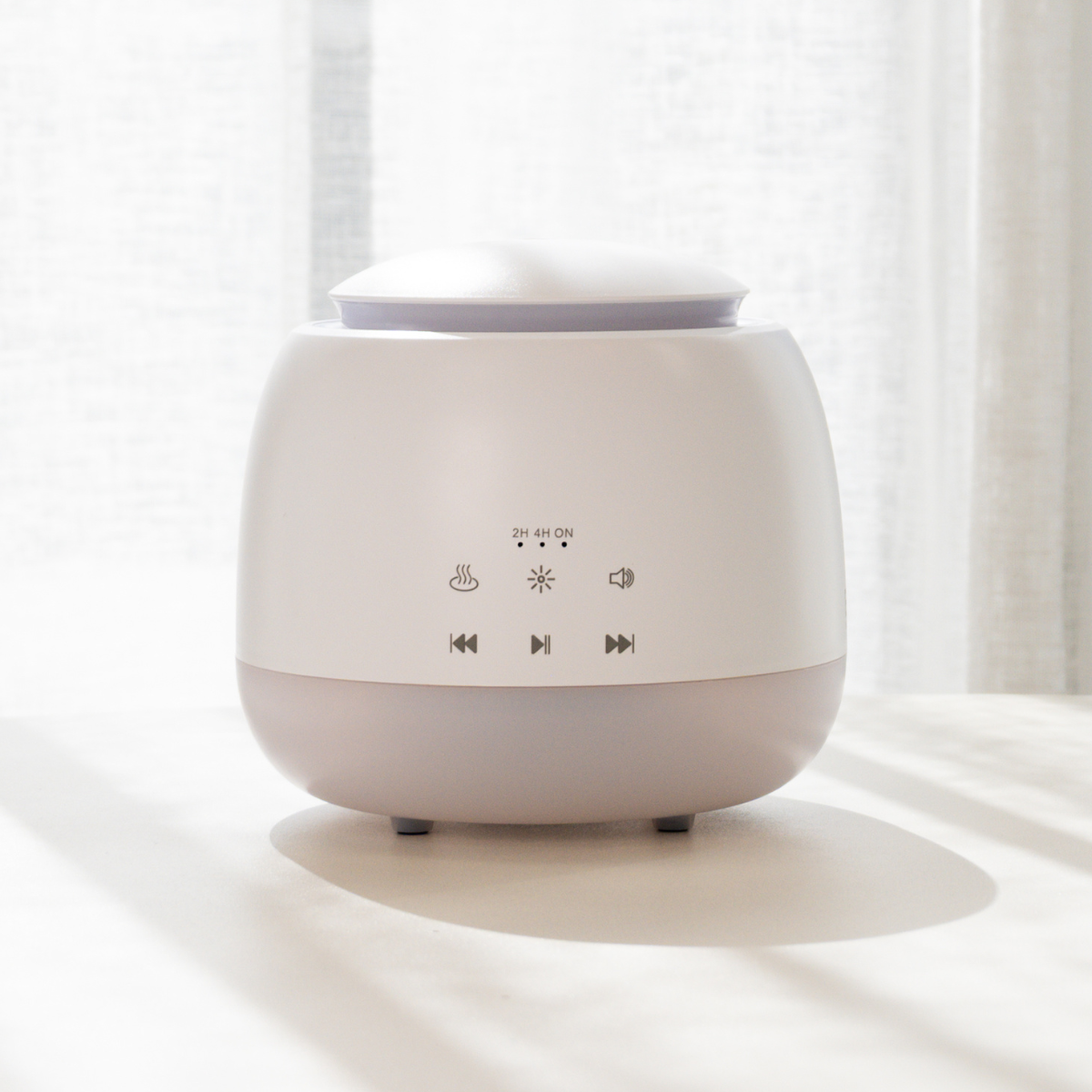
Mist Operation: Select the mist by pressing on the MIST button. Press once for continuous mist (diffuser will run until the water runs out), press again for 2 hours of mist and press again for 4 hours. Press again to turn off the diffuser.
Atmospheric Light Operation: Press the LIGHT button once for changing colour mode, press again to select a colour during changing mode. Press for 2 seconds to turn off the light.
Volume Level Operation: Use the volume button to adjust the volume to the desired level.
Last Song Operation: Press the LAST SONG button to play the last song.
Next Song Operation: Press the NEXT SONG button to play the next song.
Play/Pause Operation: In the play state, first press PLAY/PAUSE to pause, press a second to play again.
Bluetooth Operation: Once the adapter is connected to the DC socket, bluetooth is active. Connect the bluetooth GX1 from your device.
Does this product have a warranty? Yes all ECO. Accessories have a 12 month warranty.
Is it normal for my diffuser to spark or glow when I plug it in? If the cord is already plugged into the wall then hot electricity will be travelling from the outlet to the diffuser, this will cause a rapid draw of power when plugged in which results in a slight glowing around the cord when entering the diffuser outlet. This is normal and comparable to static electricity. If you are experiencing this then we recommend to plug the diffuser outlet in first before plugging the power point into the wall which will resolve the issue.
Shipping Estimates
Standard shipping (4-7 business days)
Express Post (1-2 Business Days)
Orders placed before 12pm AEST Monday-Friday will be shipped same day, orders placed after 12pm will be shipped the next business day.
100% Happiness Guarantee
Not happy? Simply return your products to us within 30 days and we will provide you a refund. Items damaged or faulty? We will arrange a free return and replacement or refund for you. If you have any further questions please don't hesitate to contact our team at enquiries@ecomodernessentials.com



There are a range of exciting options available when it comes to using essential oils in your home! One of the most popular methods is using a diffuser. An essential...

Like any household item, cleaning your diffuser will only result in pure satisfaction. It will help longevity of your diffuser, diffuse your oils at their purest quality and help fill...

Portability is freedom. With a cordless diffuser, you can enjoy your favourite essential oils no matter where life takes you. Whether you’re relaxing at home, working at the office, or...

The Difference Between Active and Passive Diffusion Essential oils can be dispersed into the air in two main ways: active diffusion and passive diffusion. Active diffusion uses ultrasonic or nebulising...
There are a range of exciting options available when it comes to using essential oils in your home! One of the most popular methods is using a diffuser. An essential...
Like any household item, cleaning your diffuser will only result in pure satisfaction. It will help longevity of your diffuser, diffuse your oils at their purest quality and help fill...
Portability is freedom. With a cordless diffuser, you can enjoy your favourite essential oils no matter where life takes you. Whether you’re relaxing at home, working at the office, or...
The Difference Between Active and Passive Diffusion Essential oils can be dispersed into the air in two main ways: active diffusion and passive diffusion. Active diffusion uses ultrasonic or nebulising...


